Graphs
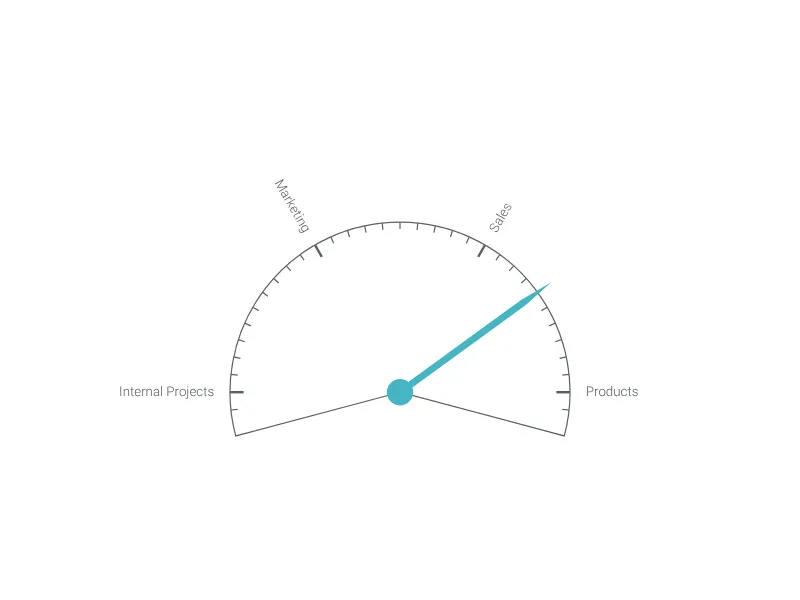
Control Knob Chart
Create your Control Knob Chart in seconds


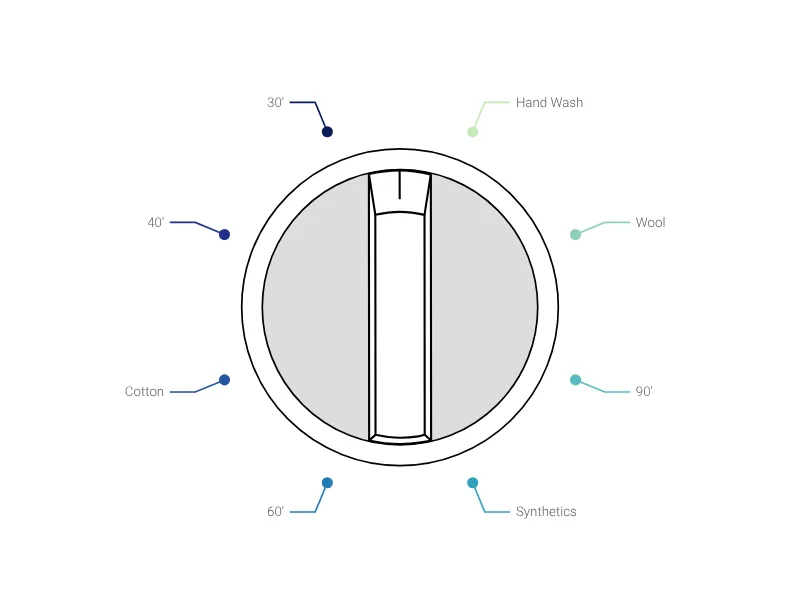
Present the different steps of your project with a flippable adjusting wheel.
Create your chart in 3 simple steps
- Create new Control Knob Chart
- Add your data
- Export or share
Why Vizzlo?
- Create professional charts in seconds
- Fully customizable, no design skills needed
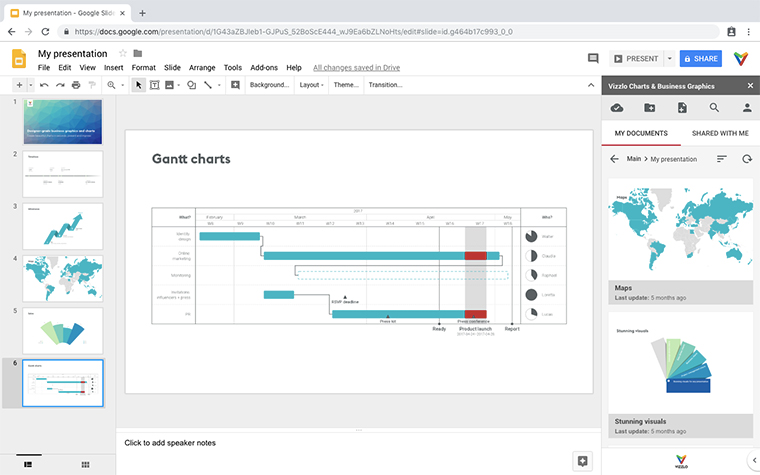
- Create directly in PowerPoint & Google Slides
Represent your actual project step with this knob control.
This knob control allows visualizing a project’s actual state in a simple way. Click and drag the pointer or move the slider to change the knob position.
Control Knob Chart: What's new?
Jul 15, 2025
Reworked as more interactive and to support custom page setups seamlessly.
Read more in our Changelog.
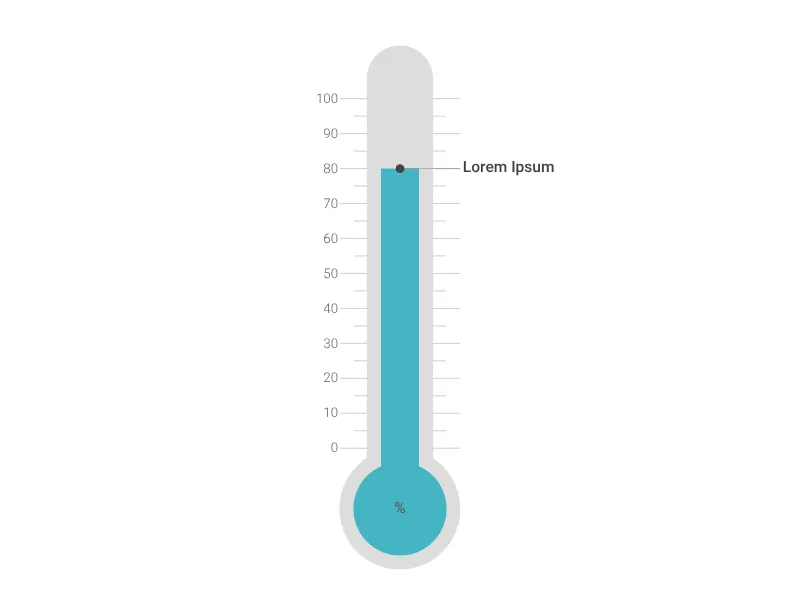
Control Knob Chart Alternatives
Enhance your productivity
Create a Control Knob Chart directly in the tools you love
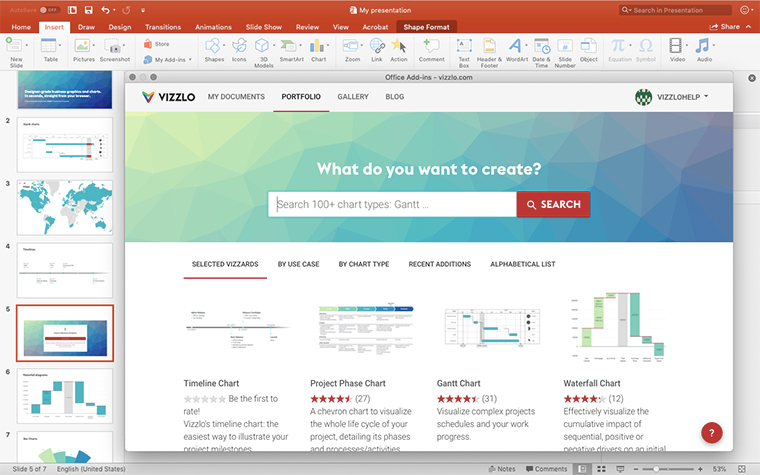
Create a Control Knob Chart in PowerPoint with
Vizzlo's add-in
Loved by professionals around the world







Visualizations your audience won’t forget
Convey abstract concepts and data with professionally designed
charts and graphics you can easily edit and customize.