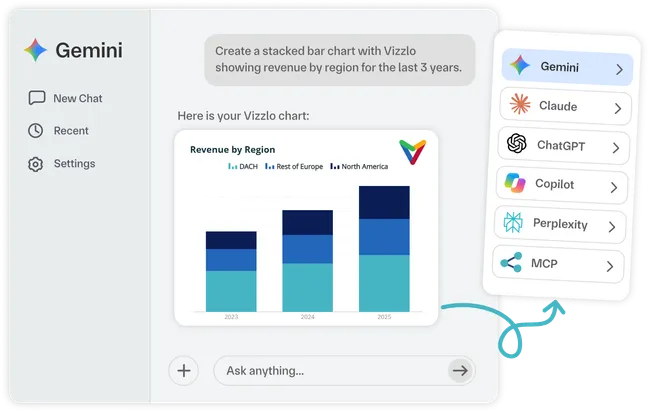
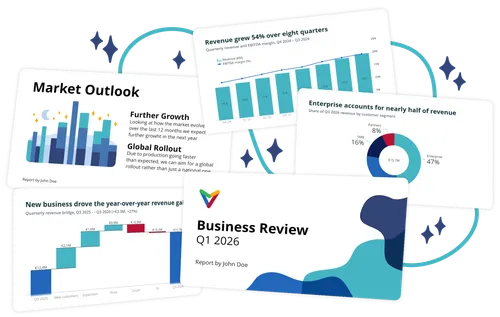
Build presentations with Gemini. Vizzlo powers the charts.
Use Gemini to explore ideas, organize information, and shape your message. Vizzlo helps turn that work into professional charts ready for presentations, reports, and reviews.
From idea to visualization, right inside Gemini
Describe what you want to show, work from the information already in your conversation, and generate professional charts you can keep refining with natural language or edit further in Vizzlo.
-
Describe what you want to show
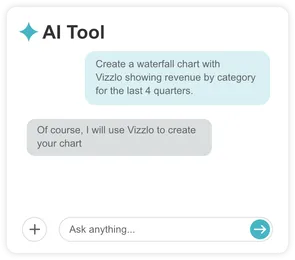
-
Get a chart in the conversation
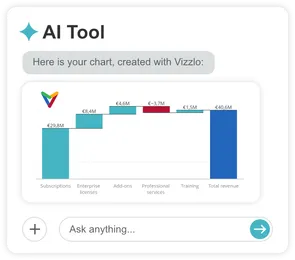
-
Refine it your way
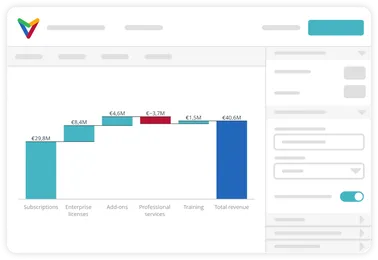
Turn information into clear visuals
Working with files, tables, or structured information? Use Vizzlo to transform it into professional charts without rebuilding everything manually.
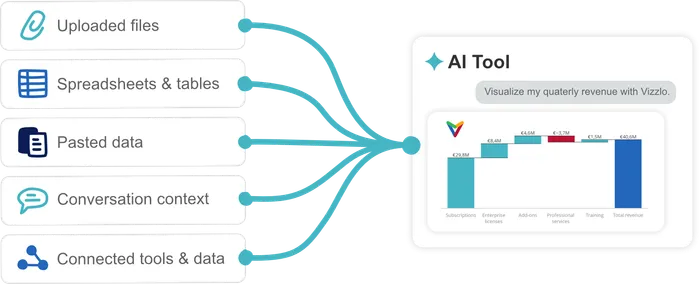
Turn rough inputs into polished visuals
Move from initial ideas and raw information to presentation-ready charts with Vizzlo.
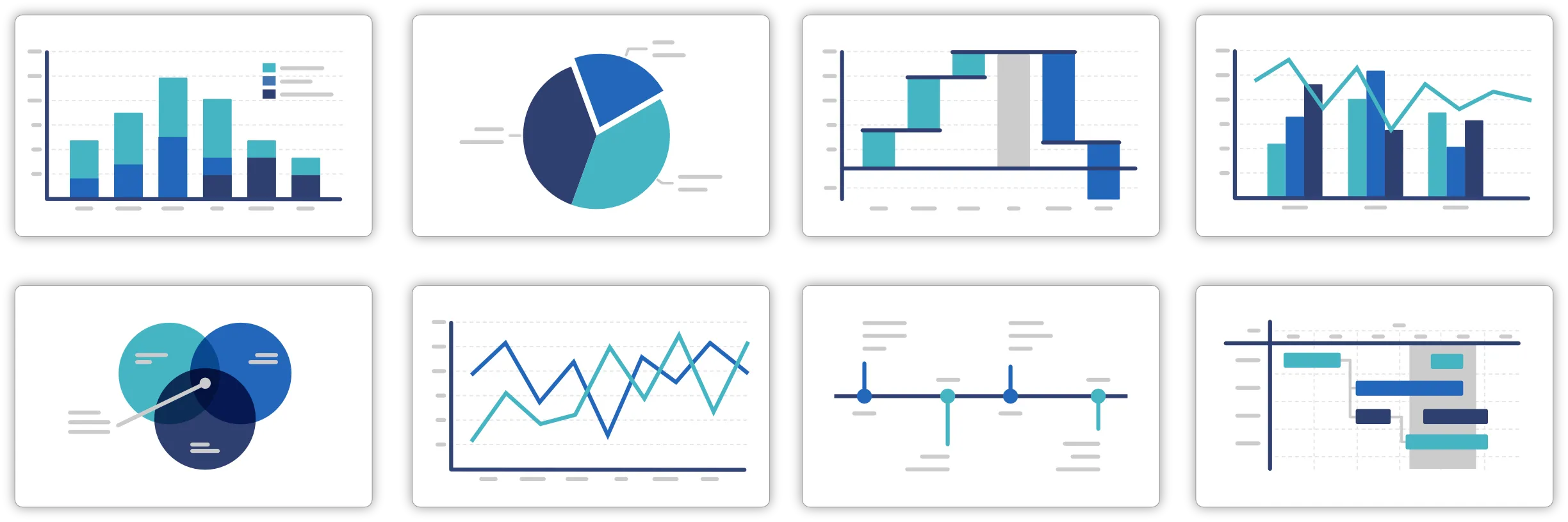
120+ professional chart types
Go beyond basic charts with waterfalls, Gantts, timelines, and more.

Refine when needed
Ask Gemini to adjust your chart without manually rebuilding it.
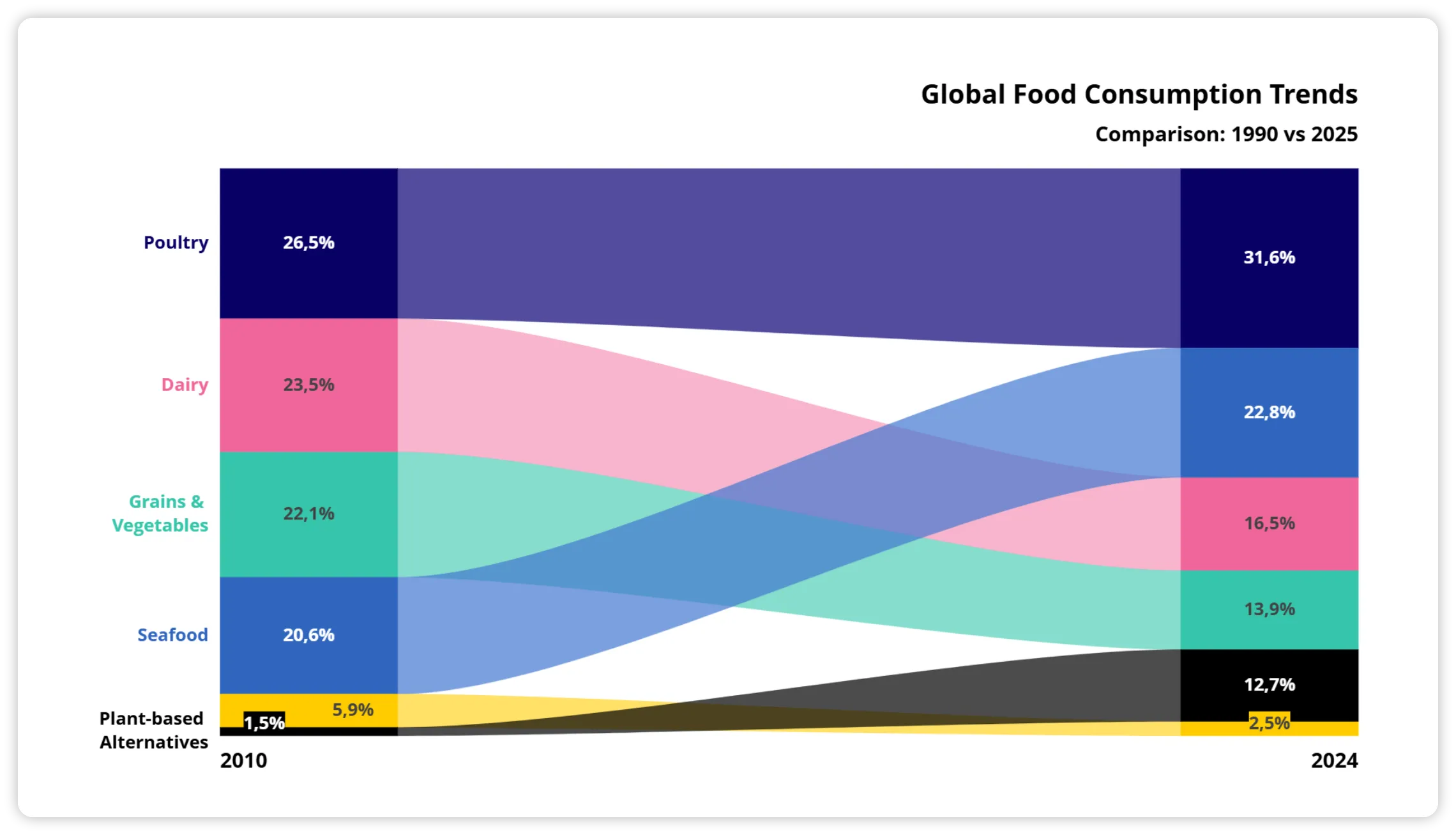
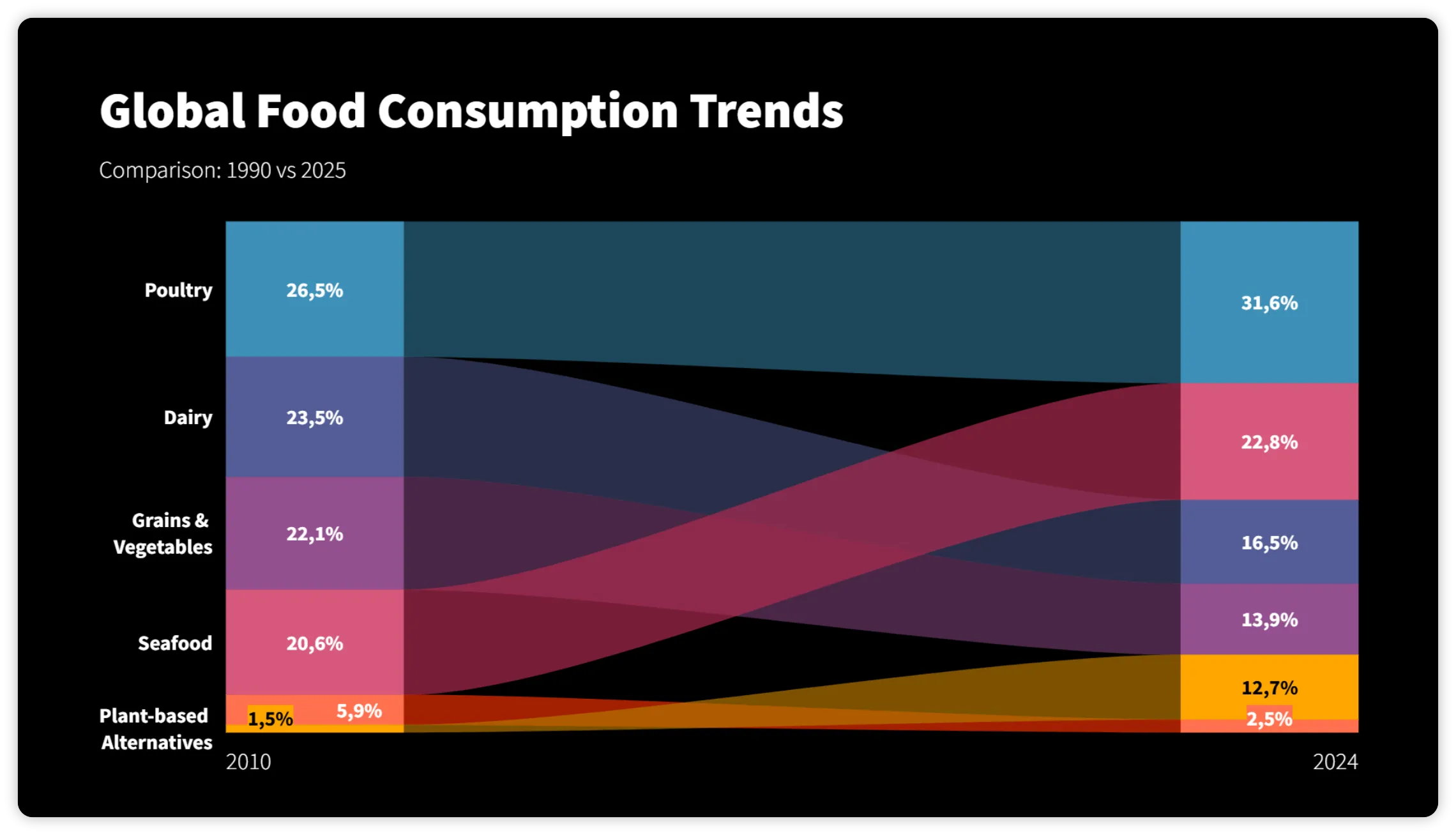
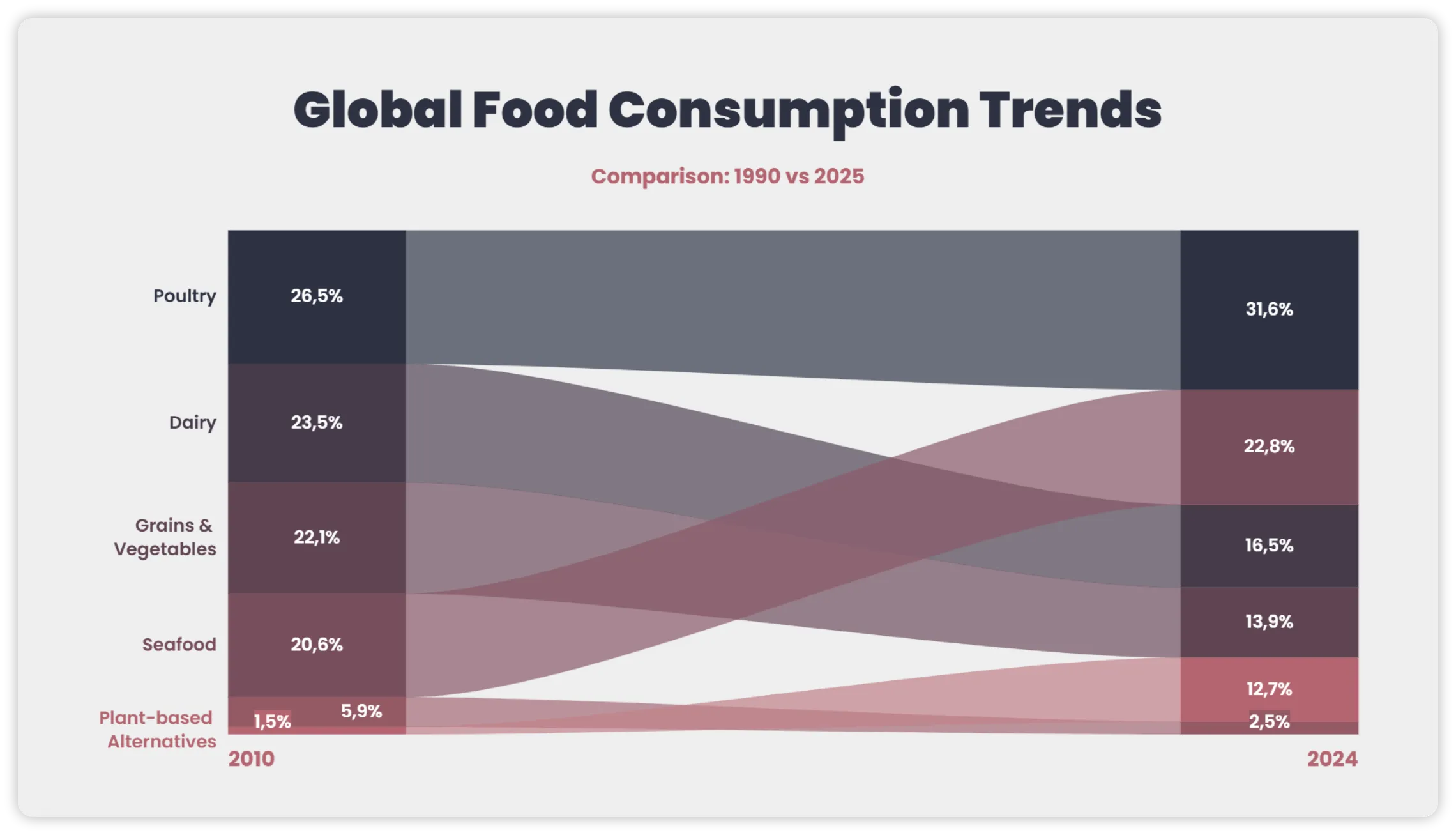
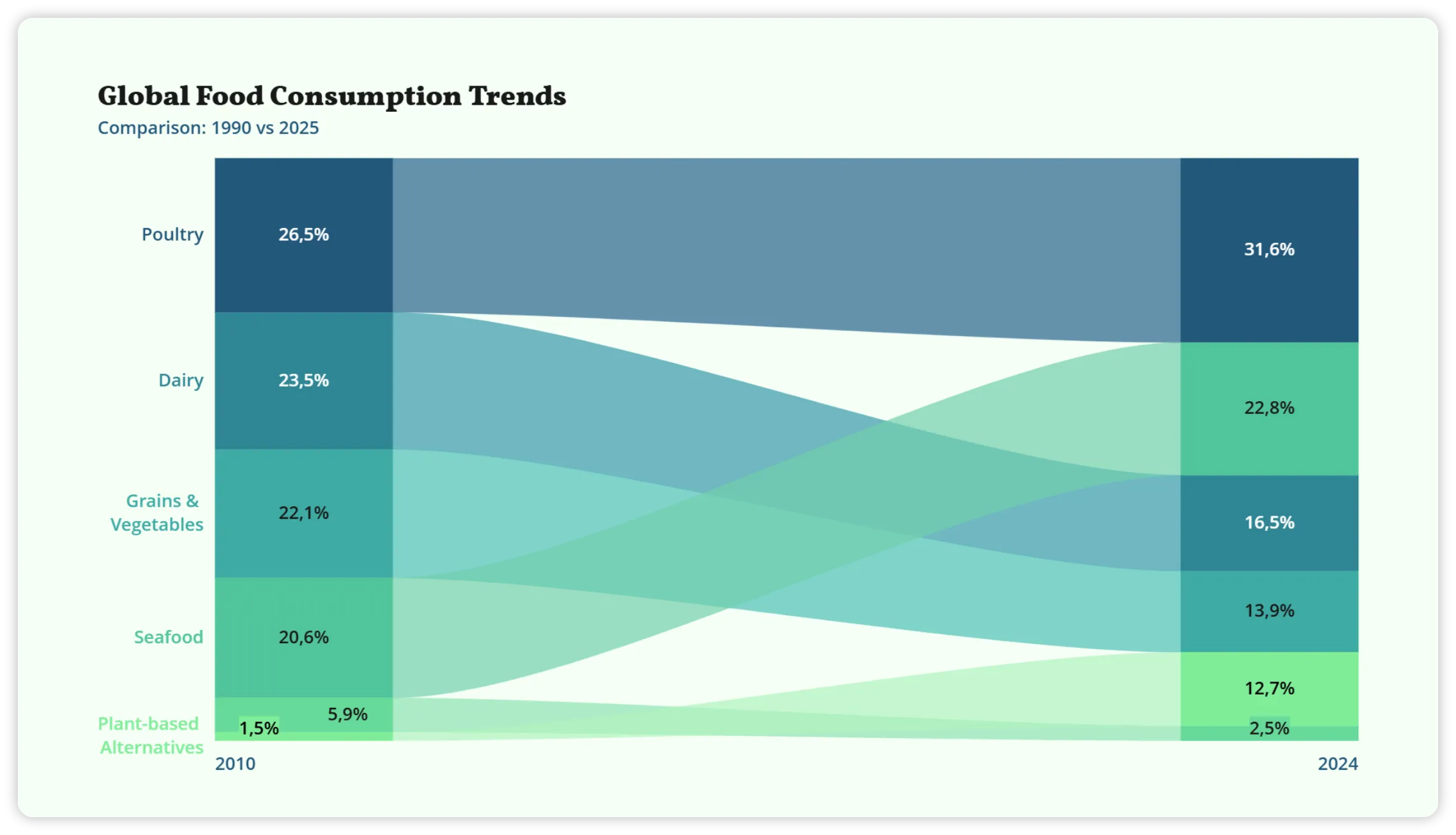
Stay on brand
Open your chart in Vizzlo to customize its data, labels, colors, and styling.
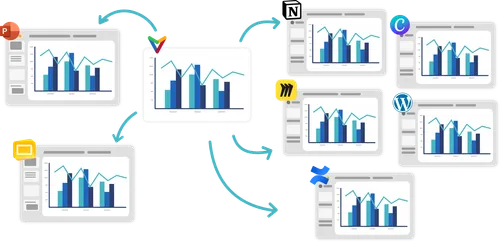
From Gemini to wherever you work
Bring your Vizzlo visualizations into presentations, documents, and dashboards — ready to edit, share, and reuse.
Explore Vizzlo-
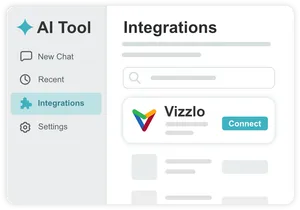 Add Vizzlo to your AI Assistant
-
 Connect your Vizzlo Account
Bring Vizzlo into your Gemini workflow
Connect your Vizzlo account, start creating charts from your conversation, and keep refining them whenever you need more control.
Using another AI assistant?
-
 ChatGPT
Connect to ChatGPT
-
 Claude
Connect to Claude
-
 Microsoft Copilot
Connect to Copilot
-
 Perplexity
Connect to Perplexity
-
 Any MCP-compatible AI
Use Vizzlo via MCP
Setup only takes a few steps