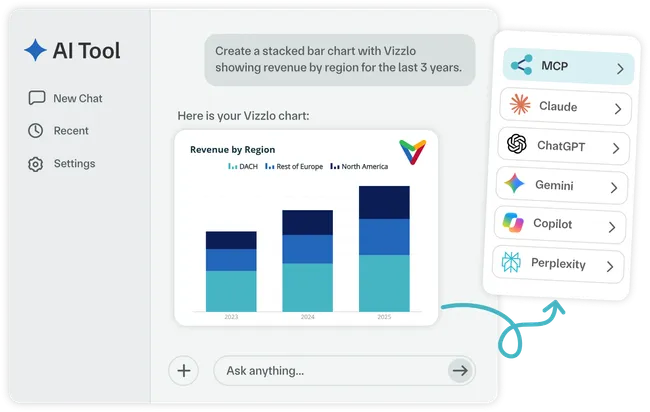
Connect once. Start creating charts with your AI.
Add the Vizzlo MCP server to your AI tool and start creating professional charts using natural language.
-
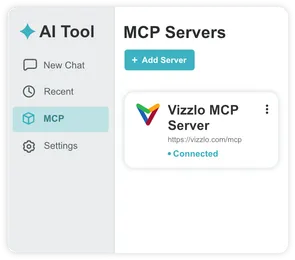
Connect Vizzlo
Add the Vizzlo MCP server to your AI tool.
-
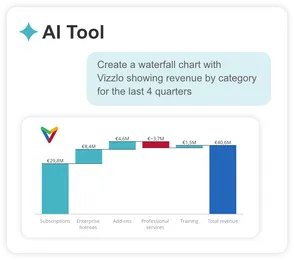
Ask for a chart
Describe what you need or provide your data.
-
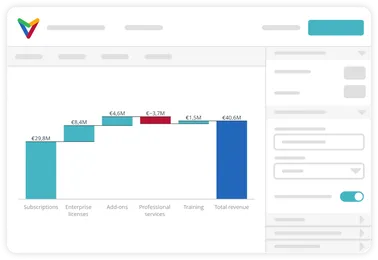
Refine it your way
Open your chart to customize its design and details.
One MCP server. More ways to create.
Bring Vizzlo's chart creation capabilities to AI assistants, agents, and applications that support MCP.
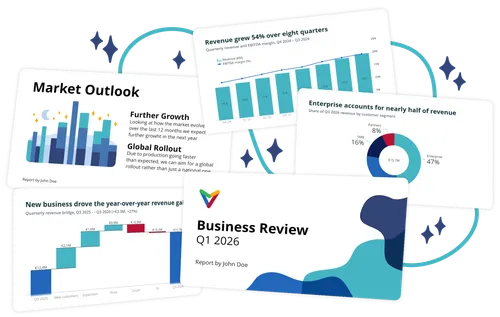
Build presentations with AI. Vizzlo powers the charts.
Create presentations, reports, and business analyses with your AI tool, while Vizzlo handles the charts. Turn your data into professional visualizations you can refine in the conversation or customize further in Vizzlo.
Go from AI-generated to presentation-ready
Turn quick AI-generated charts into polished visuals ready for presentations, reports, and more.
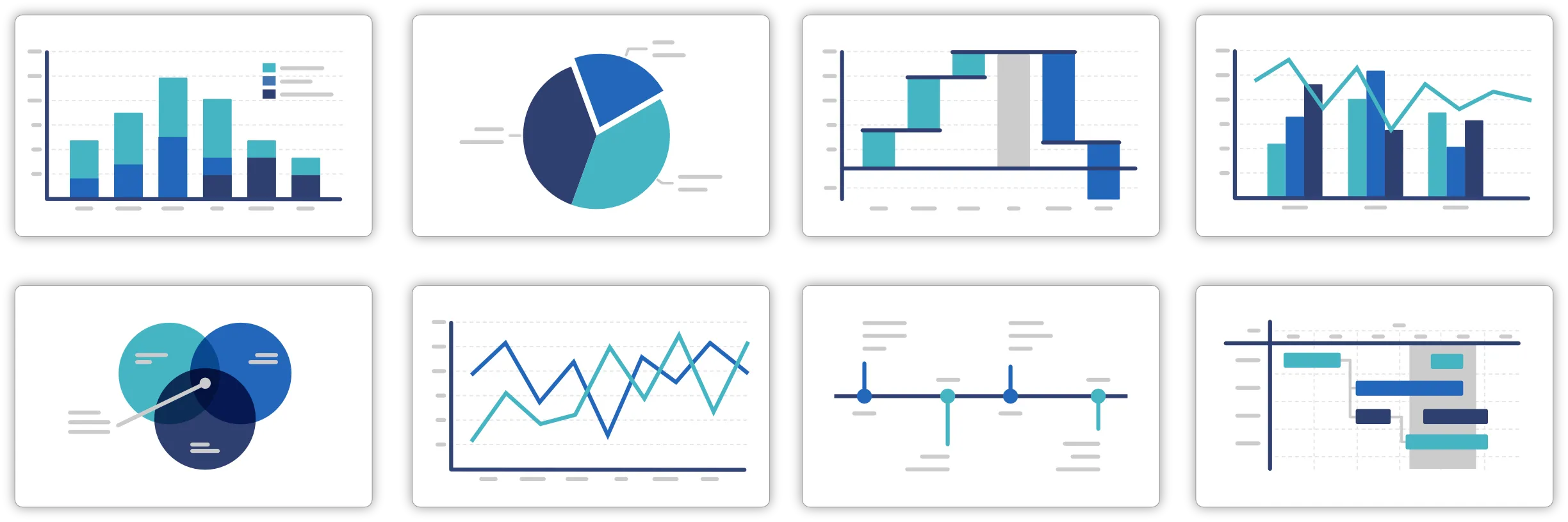
120+ professional chart types
Go beyond basic charts with waterfalls, Gantts, timelines, and more.
Refine when needed
Ask your AI assistant to adjust your chart without manually rebuilding it.
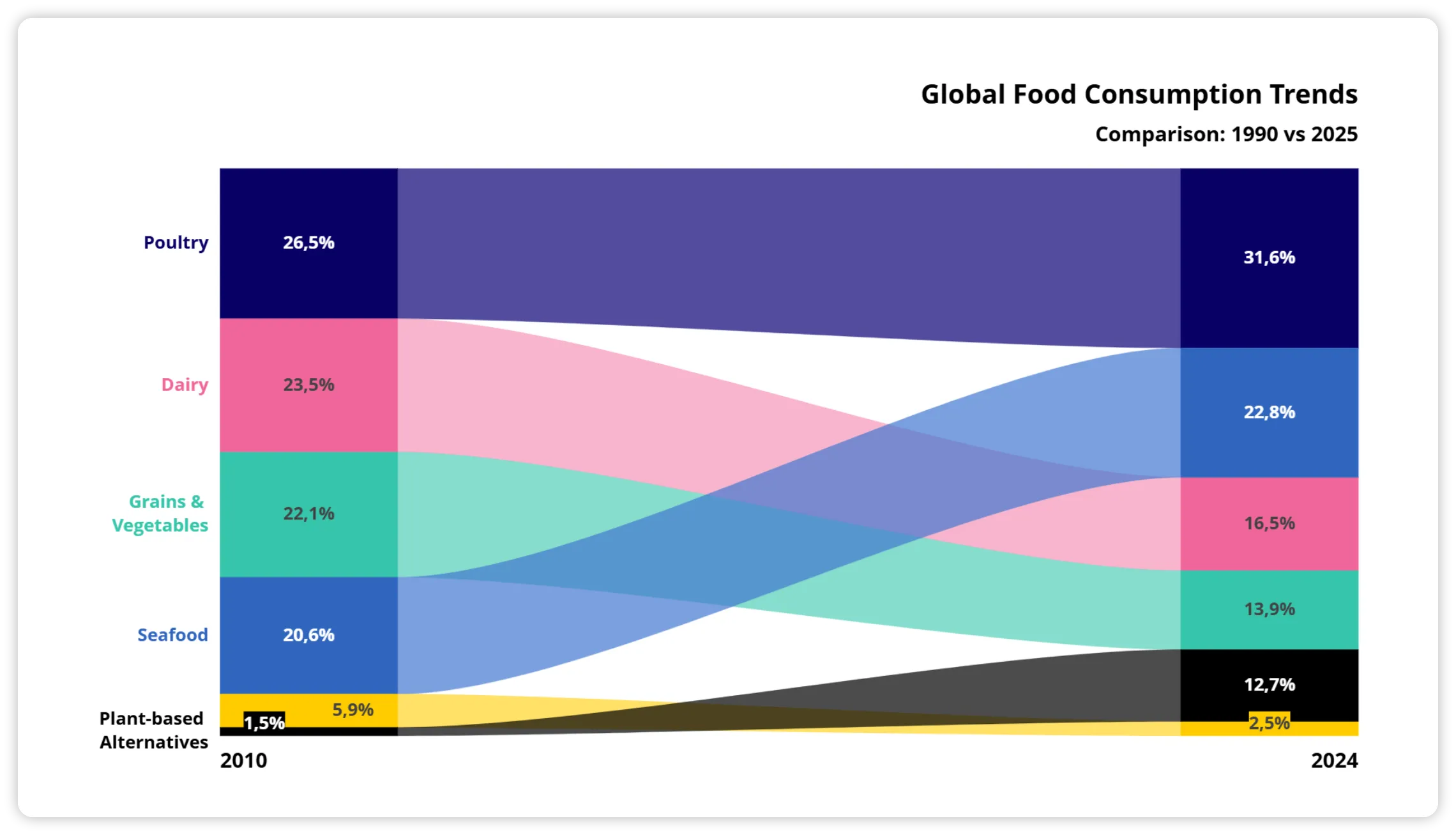
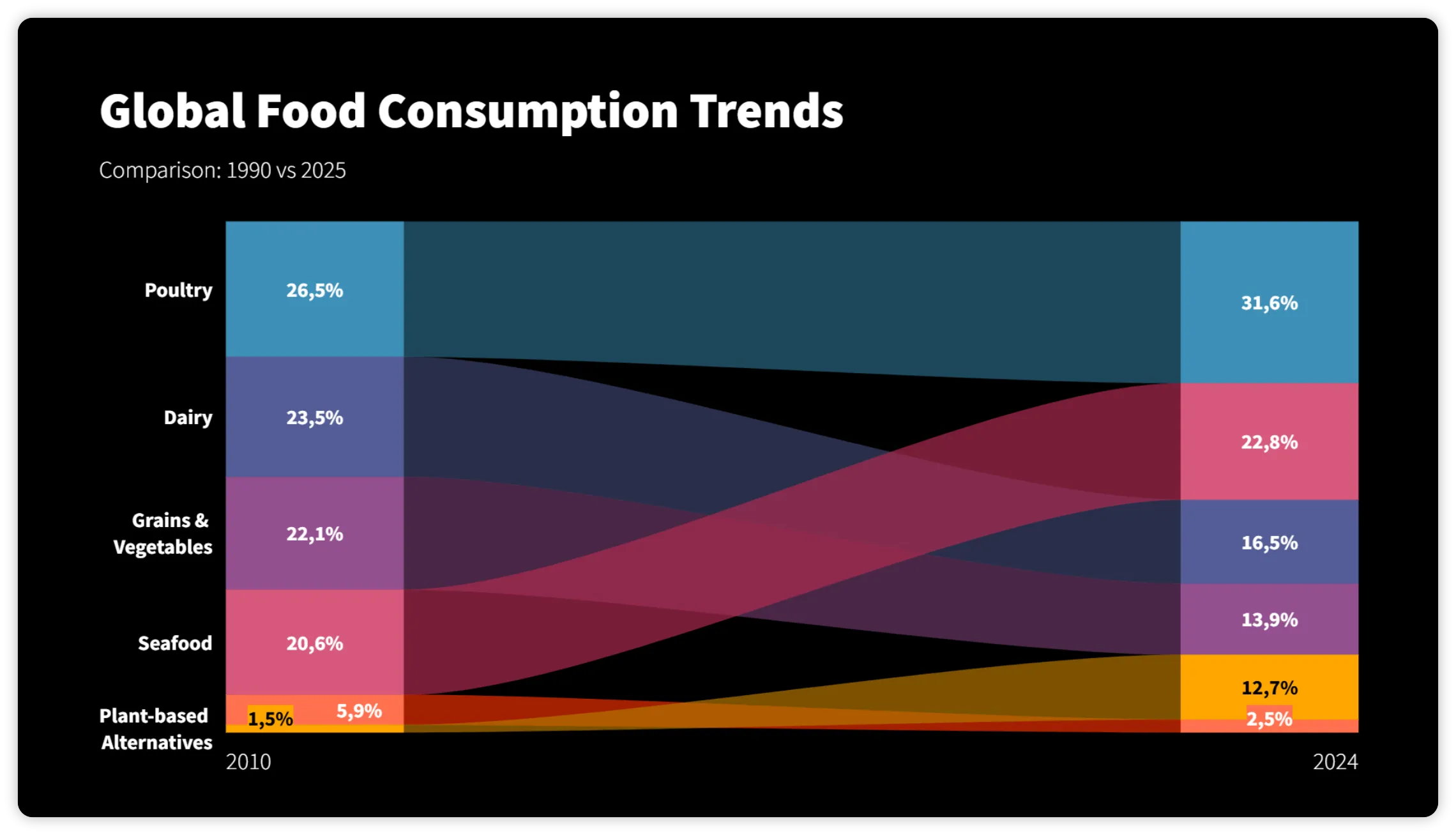
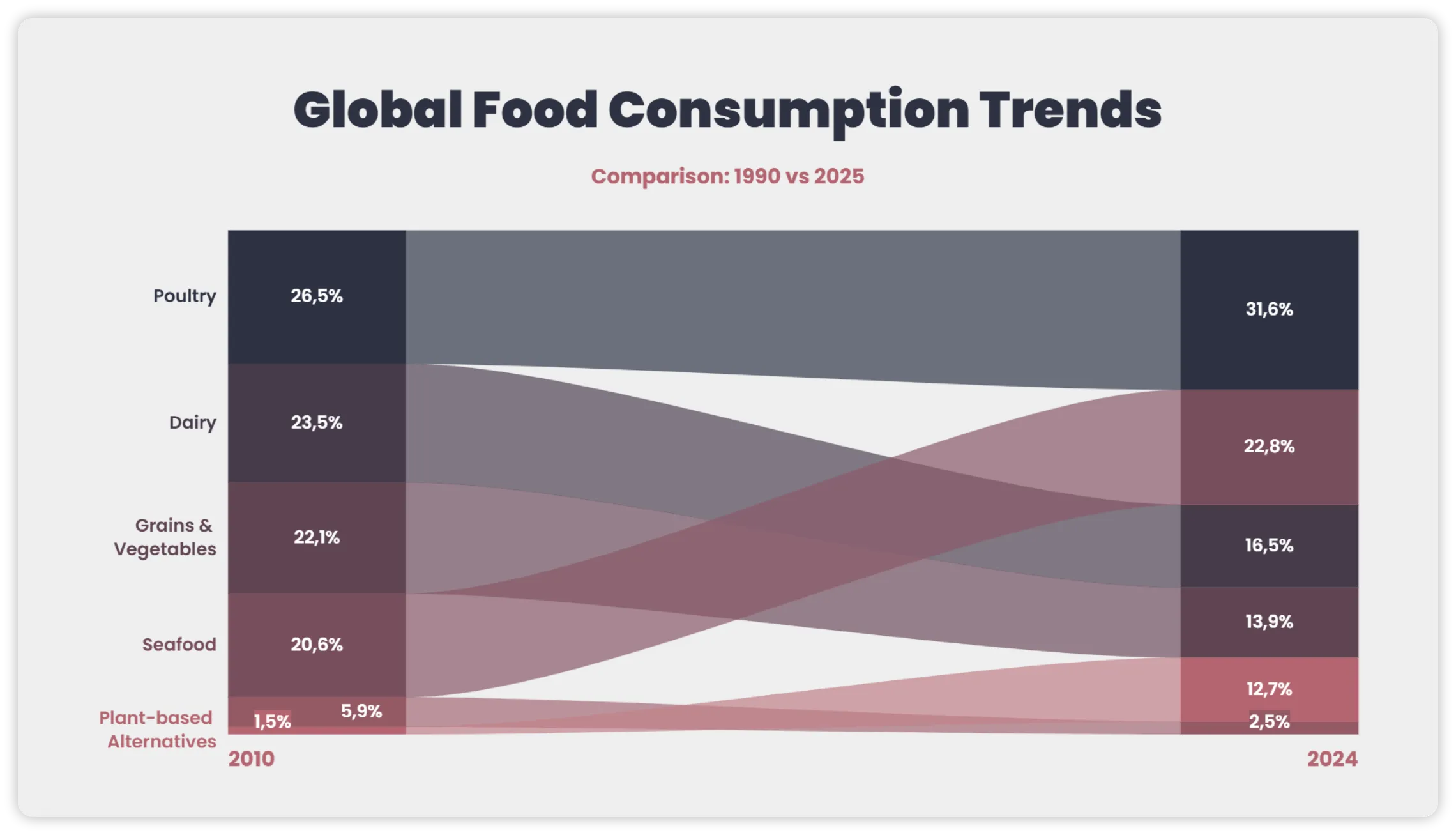
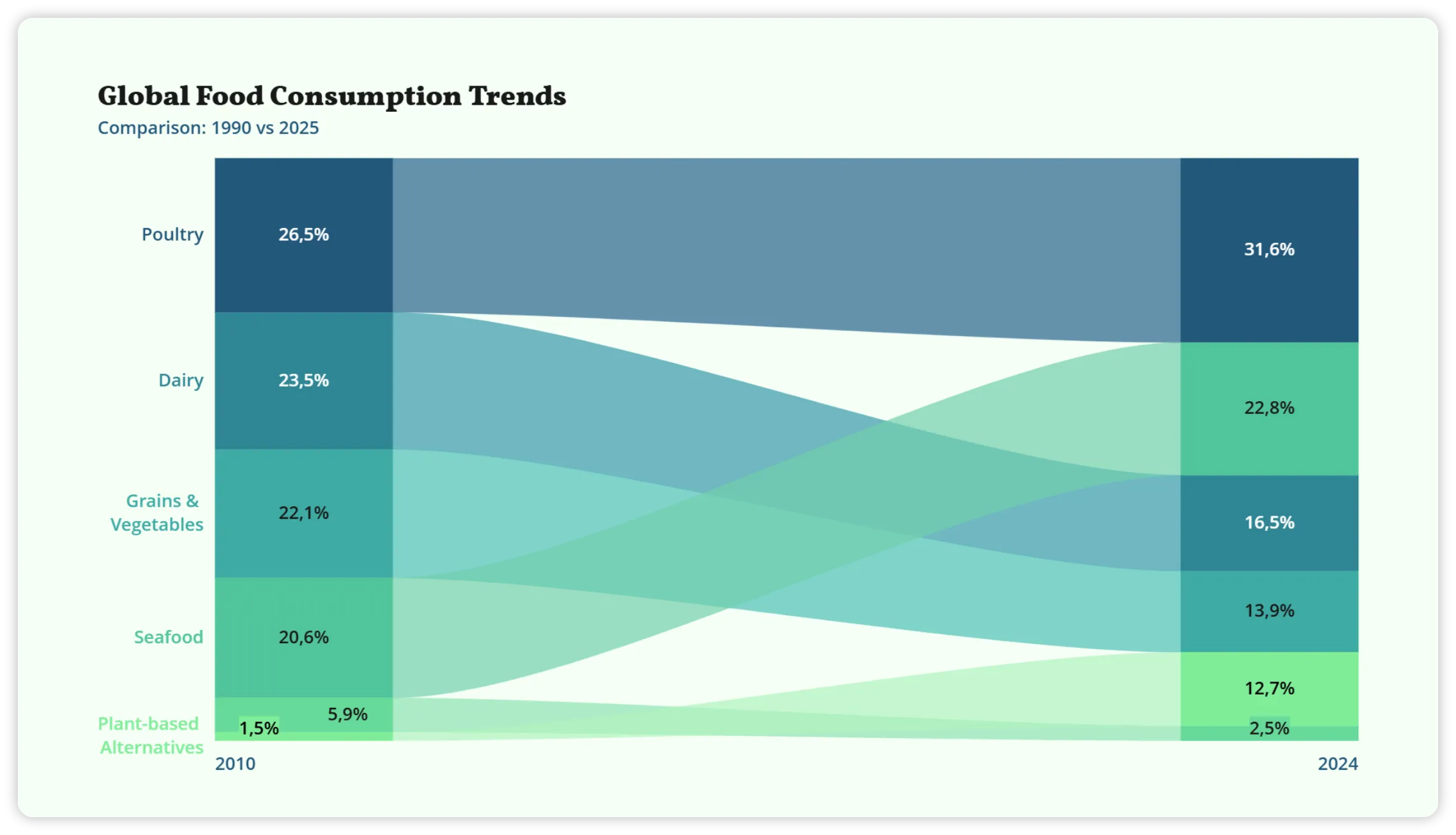
Stay on brand
Open your chart in Vizzlo to customize its data, labels, colors, and styling.
Use the data already in your AI workflow
Turn files, tables, pasted data, and connected business context into Vizzlo charts — without starting over somewhere else.
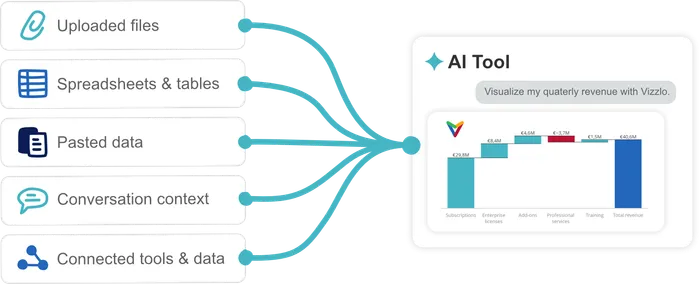
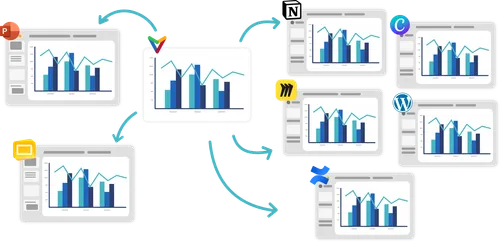
Create once.
Use your charts anywhere.
Take any Vizzlo chart created with an AI assistant and use it across presentations, documents, knowledge bases, websites, dashboards, and more.
Explore VizzloUsing one of these AI assistants?
Connecting Vizzlo is even easier. Choose your AI assistant and get started in just a few clicks.
-
 ChatGPT
Connect to ChatGPT
-
 Claude
Connect to Claude
-
 Gemini
Connect to Gemini
-
 Microsoft Copilot
Connect to Copilot
-
 Perplexity
Connect to Perplexity
Setup only takes a few steps