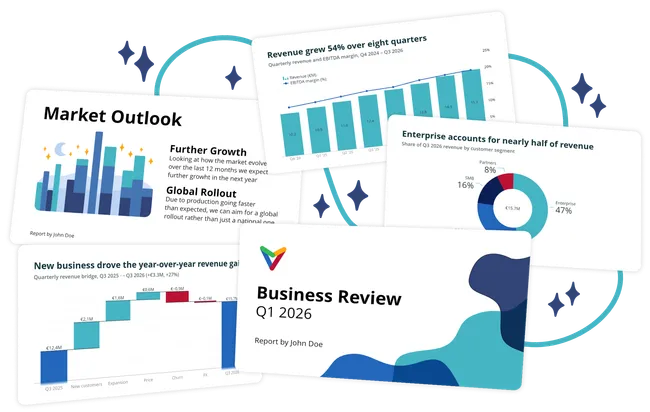
Connect Vizzlo once. Start creating charts in your AI.
Connect Vizzlo to your favorite AI assistant in just a few clicks, or use MCP to connect other compatible tools.
-
 ChatGPT
Connect to ChatGPT
-
 Claude
Connect to Claude
-
 Gemini
Connect to Gemini
-
 Microsoft Copilot
Connect to Copilot
-
 Perplexity
Connect to Perplexity
-
 Any MCP-compatible AI
Use Vizzlo via MCP
Setup only takes a few steps
From prompt to chart, right inside your AI assistant
Describe what you need in natural language. Your AI assistant uses Vizzlo to create the chart, which you can refine in the conversation or open in Vizzlo for more control.
-
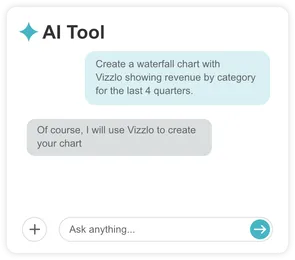
Ask for a presentation or chart
-
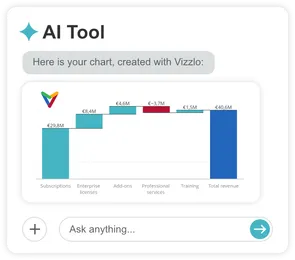
Get professional Vizzlo charts
-
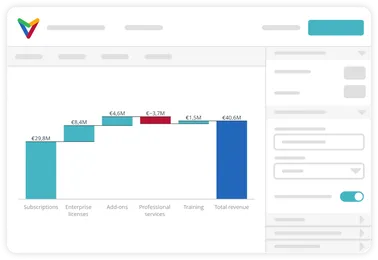
Refine and customize
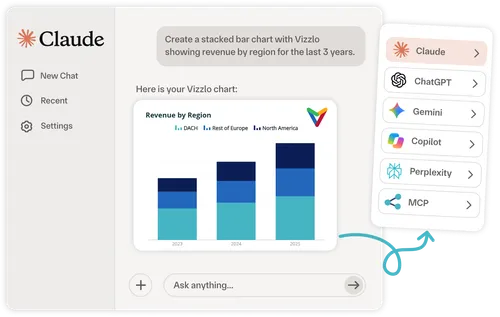
From AI conversations to professional charts
Turn your ideas, data, and insights into clear, professional visualizations. Let your AI assistant work with Vizzlo to create charts you can easily refine and customize.
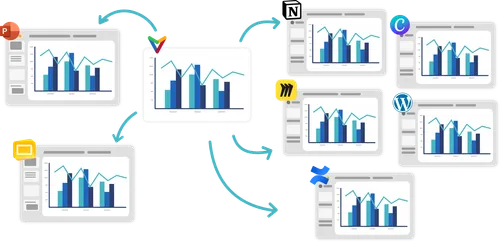
Create once.
Use your charts anywhere.
Take any Vizzlo chart created with an AI assistant and use it across presentations, documents, knowledge bases, websites, dashboards, and more.
Explore Vizzlo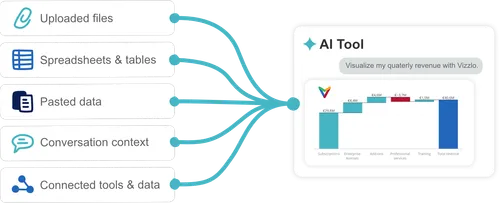
Your AI has the context.
Vizzlo makes it visual.
If your company AI is already connected to business data, tools, or internal systems, Vizzlo can turn that context into professional charts.
Book a Demo