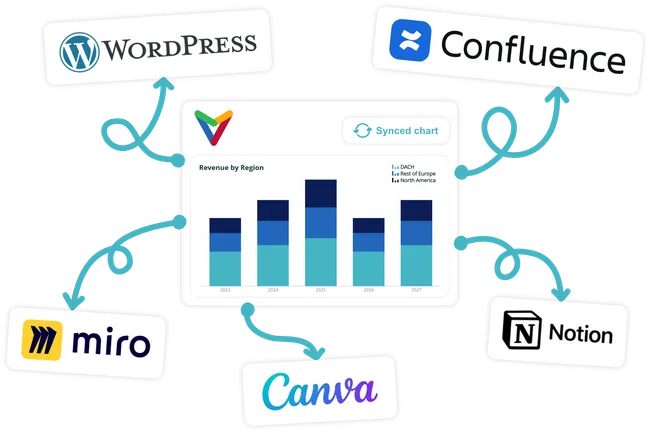
Take your charts beyond presentations
Bring your Vizzlo charts into the tools where your team documents ideas, plans projects, shares updates, and publishes content — from Notion and Miro to Confluence, Canva, WordPress, and more.
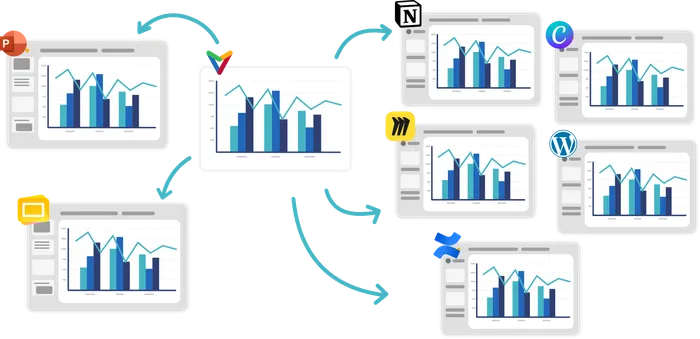
One chart. Everywhere it needs to be.
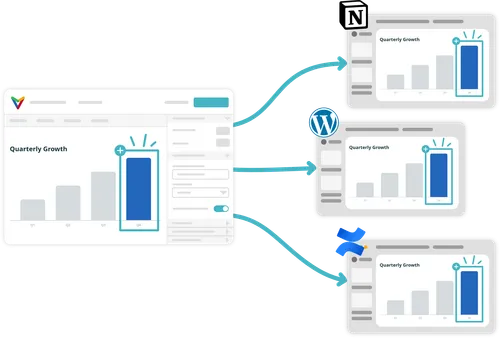
Update once.
Stay updated everywhere.
Update your chart in Vizzlo — or let connected data sources refresh it automatically. Every embedded version stays up to date.
No re-exporting. No replacing screenshots. No outdated copies.
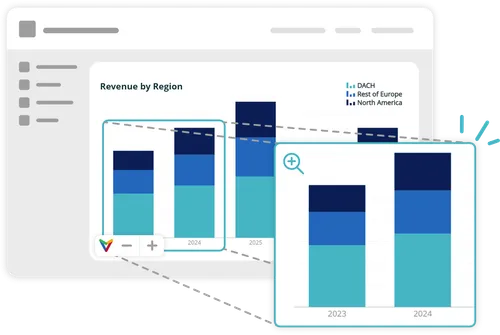
More than a static image
Your embedded charts stay clear and dynamic wherever you share them.
Zoom in for a closer look. And if your chart includes animation, it plays there too.
-
Create your chart
Create and customize your chart in Vizzlo, PowerPoint, or Google Slides.
-
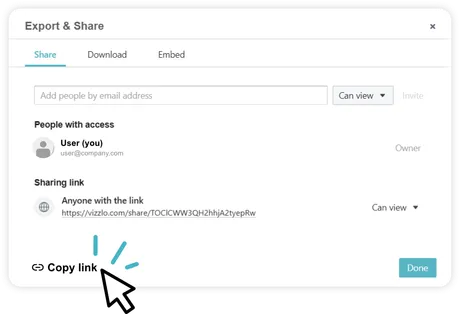
Copy the link
Open Export & Share and copy your sharing link.
-
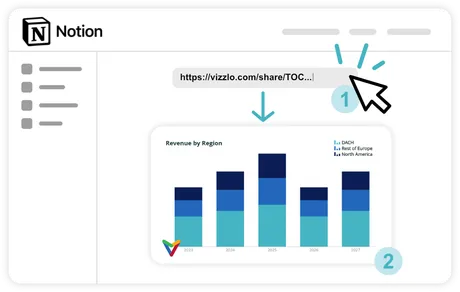
Paste it anywhere
Paste the link into a document in Notion, Miro, Confluence, Canva or WordPress.
-
Keep it updated
Update the chart in Vizzlo — or let connected data sources refresh it automatically.