Better charts for your Notion pages
Create clear, professional visualizations for reports, project updates, dashboards, research, and more.
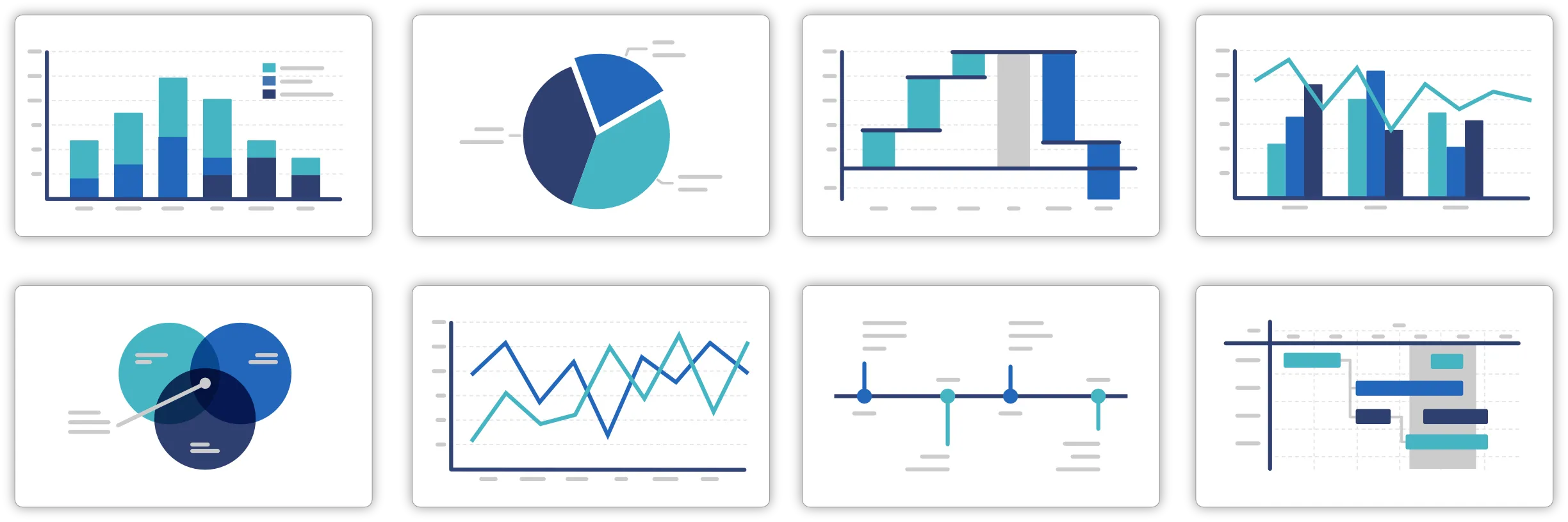
120+ professional chart types
Choose from a wide range of charts to find the right visual for your data, message, and audience.
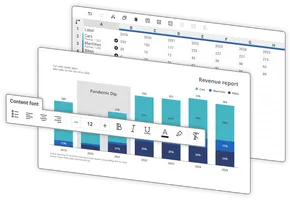
Create charts faster
Turn your data into polished, presentation-ready charts without spending time building everything manually.
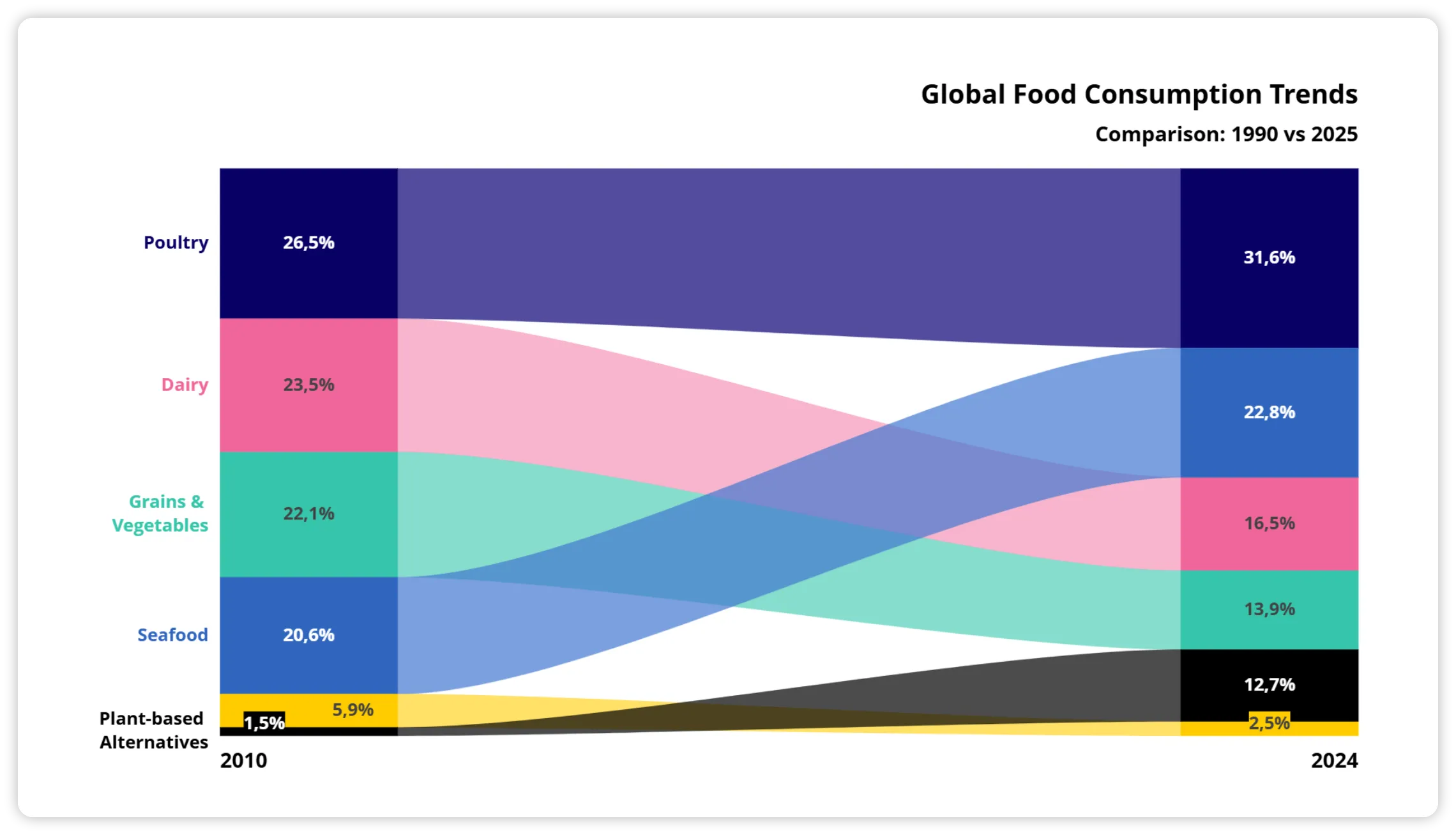
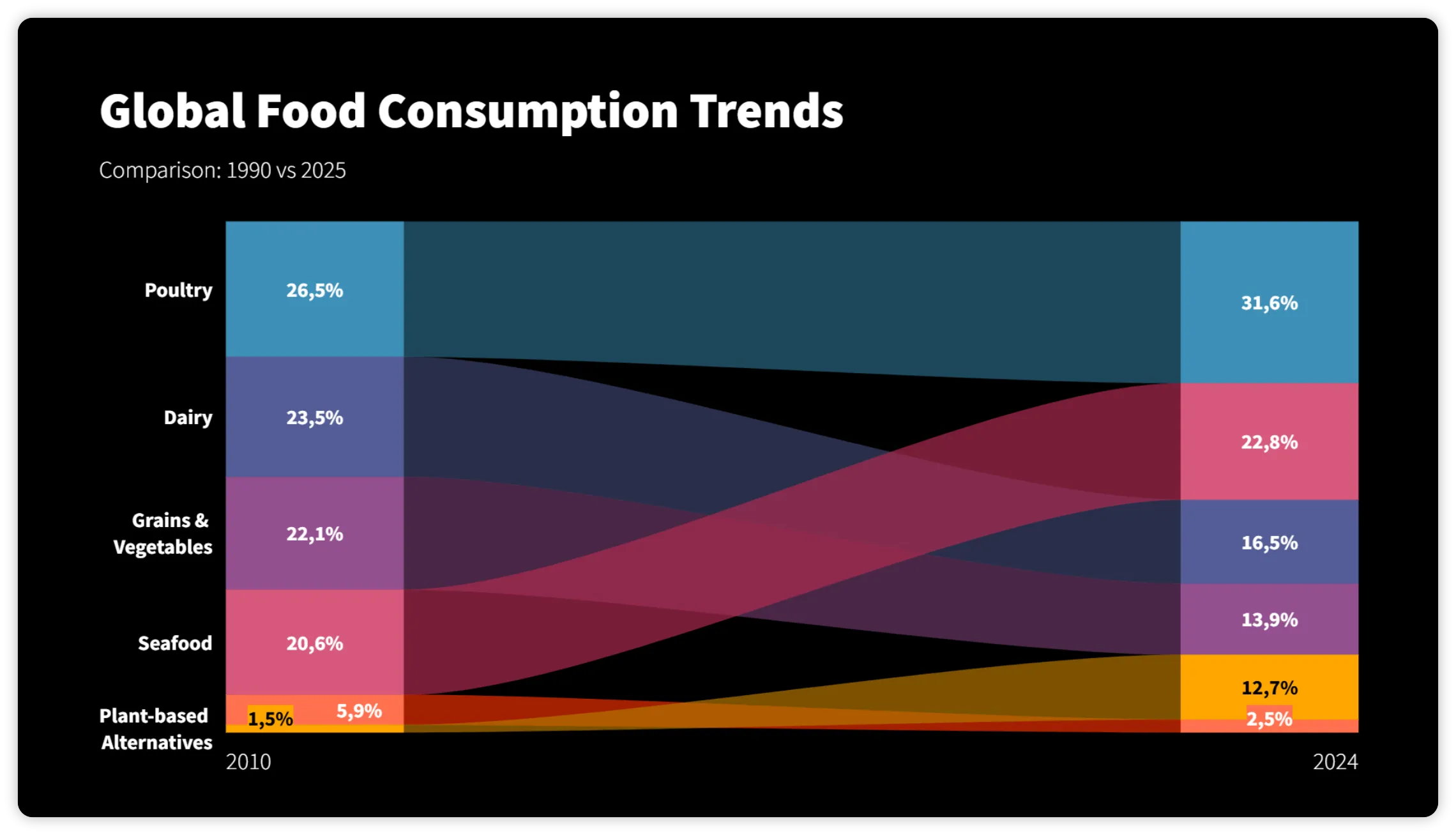
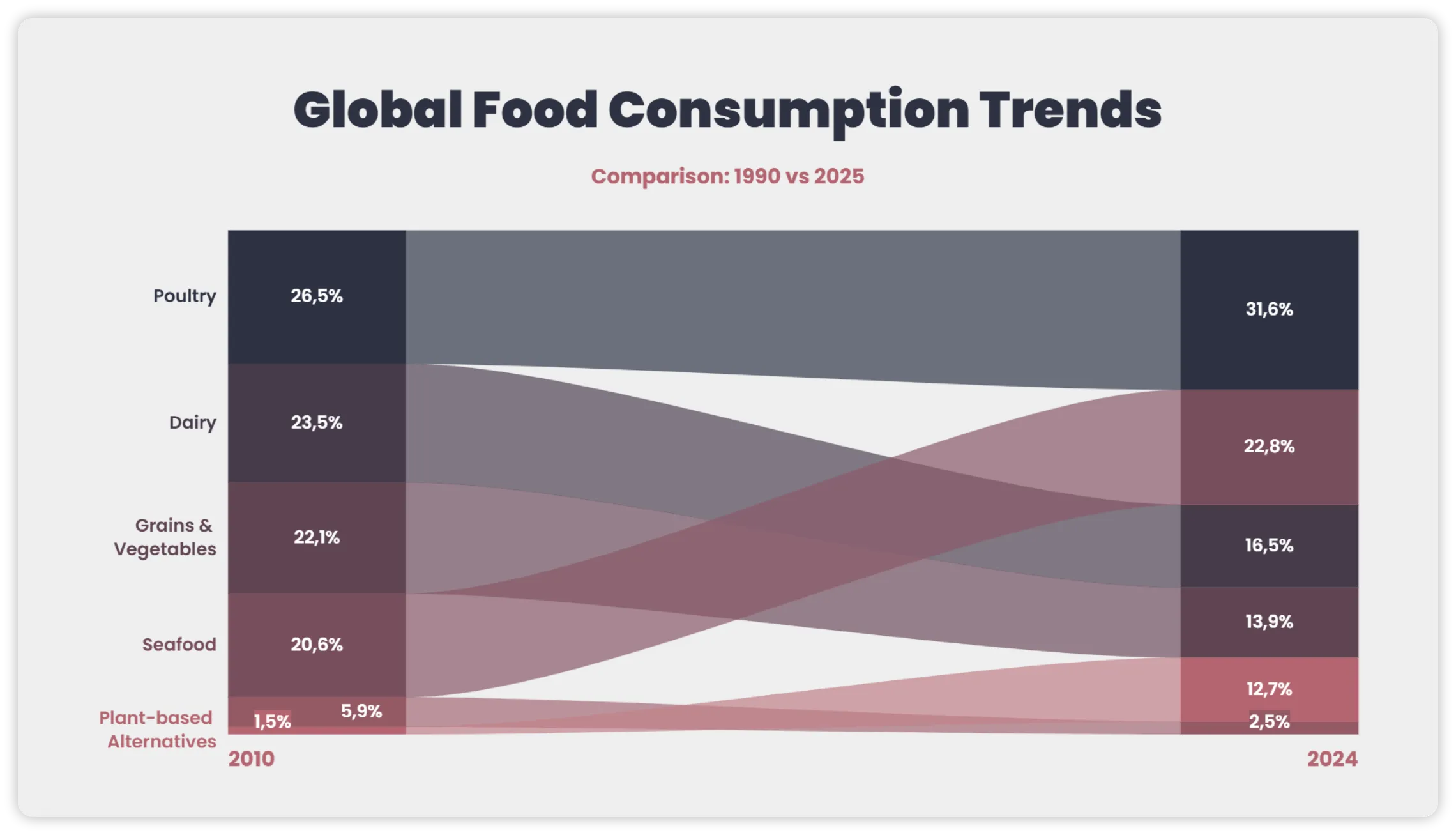
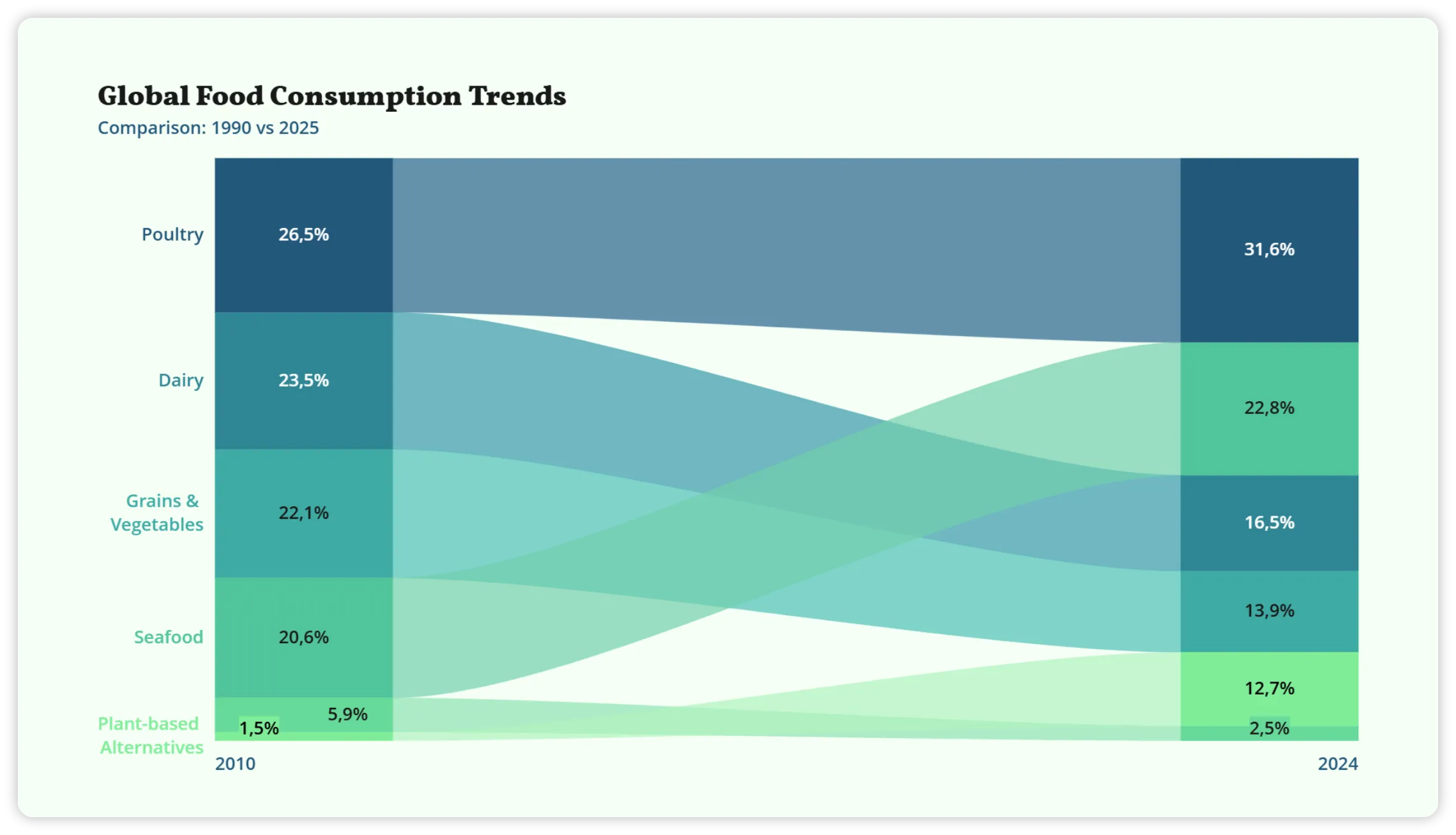
Keep every chart on brand
Customize colors, fonts, and styles so your charts stay consistent with your brand across every Notion page.
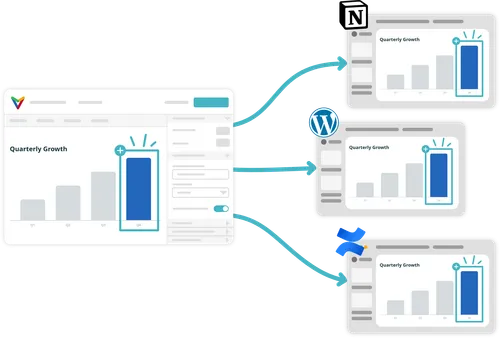
Update once.
Stay up to date in Notion.
Change your chart in Vizzlo, and the version in Notion updates automatically — no replacing screenshots or outdated copies.
Use the same chart across your tools
Add your Vizzlo chart to Notion, Miro, Confluence, Canva, WordPress, and more. Update it once in Vizzlo, and every connected version stays up to date.





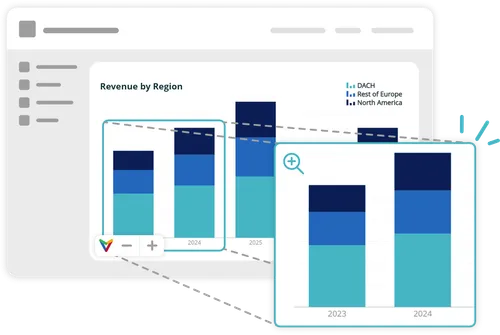
More than a static image
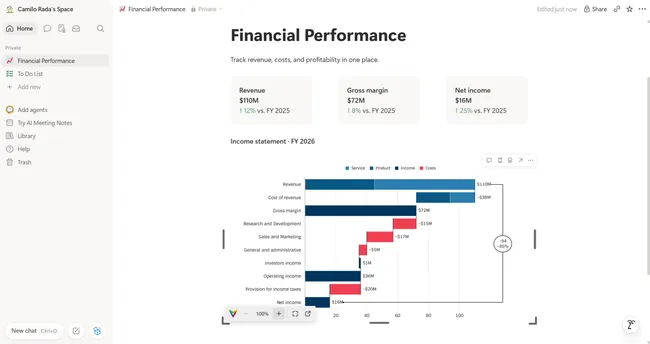
Your embedded charts stay clear and dynamic wherever you share them.
Zoom in for a closer look. And if your chart includes animation, it plays there too.
-
Create your chart
Create and customize your chart in Vizzlo, PowerPoint, or Google Slides.
-
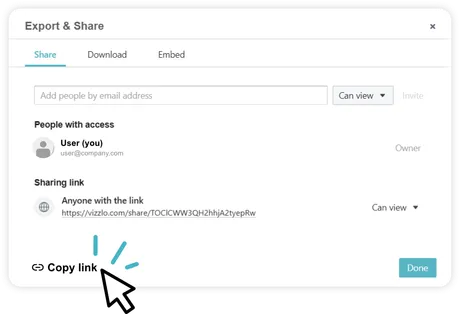
Copy the link
Open Export & Share and copy your sharing link.
-
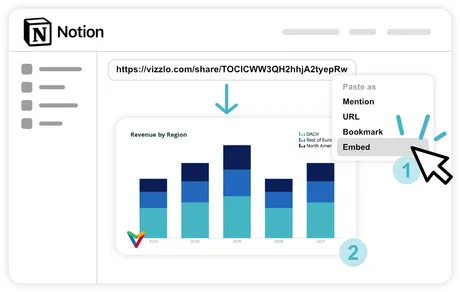
Paste and embed
Paste the link into Notion and select Embed to add your chart.
-
Keep it updated
Update the chart in Vizzlo — or let connected data sources refresh it automatically.